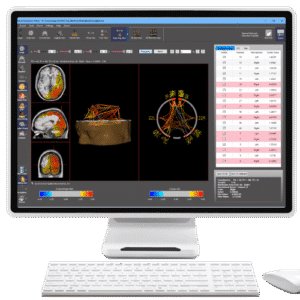
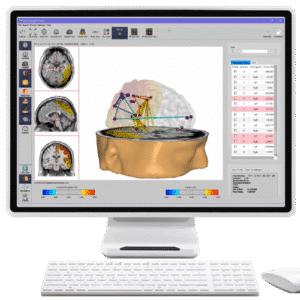
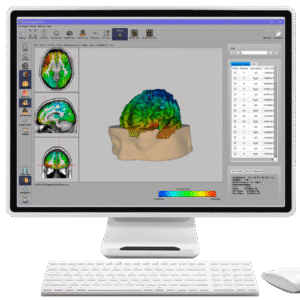
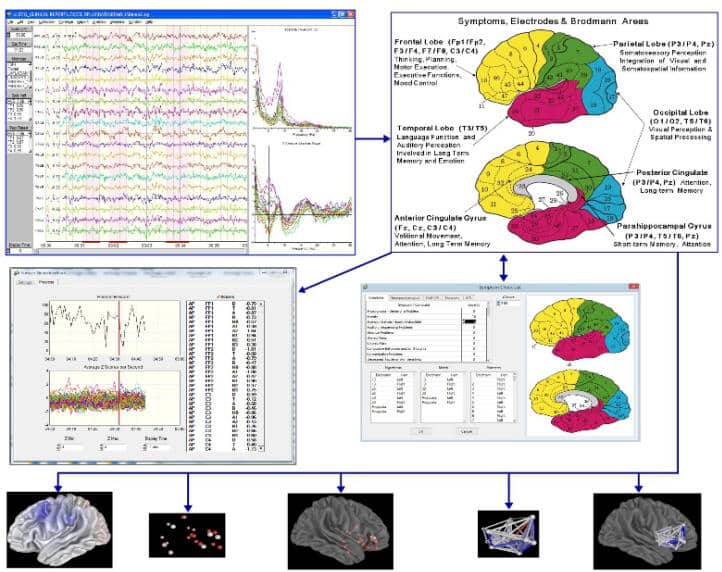
Seamless Integration of QEEG, NeuroImaging and EEG Biofeedback including Real-Time Z Scores, Symptom Checklist, Discriminates, Power, Coherence, Phase, JTFA, Burst Metrics, Statistics, Instantaneous Coherence & Phase Reset, Phase Lock & Phase Shift Duration, 1 to 19 channels Surface Z Score EEG Biofeedback, 3-D sLORETA Z Score Neurofeedback, Cross-Frequency Z Score Neurofeedback, swLORETA Z Score Neurofeedback and BrainSurfer BCI (Brain Computer Interface).
Minimum Computer Requirements
NeuroGuide™ runs with all supported versions of Windows, however, Windows 11 or 10 is recommended if you are using NeuroGuide 3.2.4 or higher. Also, it is not necessary to purchase Window Pro.
Due to the heavy demand on computer resources the minimum recommended computer configuration is multiple cores and at least 8 Gigabytes of RAM.
If you plan on adding or are using swLORETA Neurofeedback and/or the NeuroNavigator you should purchase a computer with 12 to 16 Gigabytes of RAM or more. In addition, the BrainSurfer Add-on requires a high quality video card with at least 2 Gigabytes of memory and is compatible with OpenGL 2.0.
The NeuroNavigator Add-ons require a high quality video/graphic card with at least 2 Gigabytes of memory and compatible with OpenGL 3.3 or greater.
If you are planning on Collecting EEG and/or doing Neurofeedback and/or using the NeuroNavigator via NeuroGuide we do not recommend the purchase or the use of a Mac with the M1, M2 or M3 Chip… since Apple has stated that Windows through Bootcamp will not be supported.